

Build a KPI Dashboard for Your Small Business: 6 Numbers
Quick answer
A KPI dashboard for a service business needs six numbers each Monday, pulled from Xero, your job system and your inbox.
- Three come from Xero: cash, money owed, invoiced
- Two come from jobs: margin and quotes won
- The inbox gives enquiries and reply time
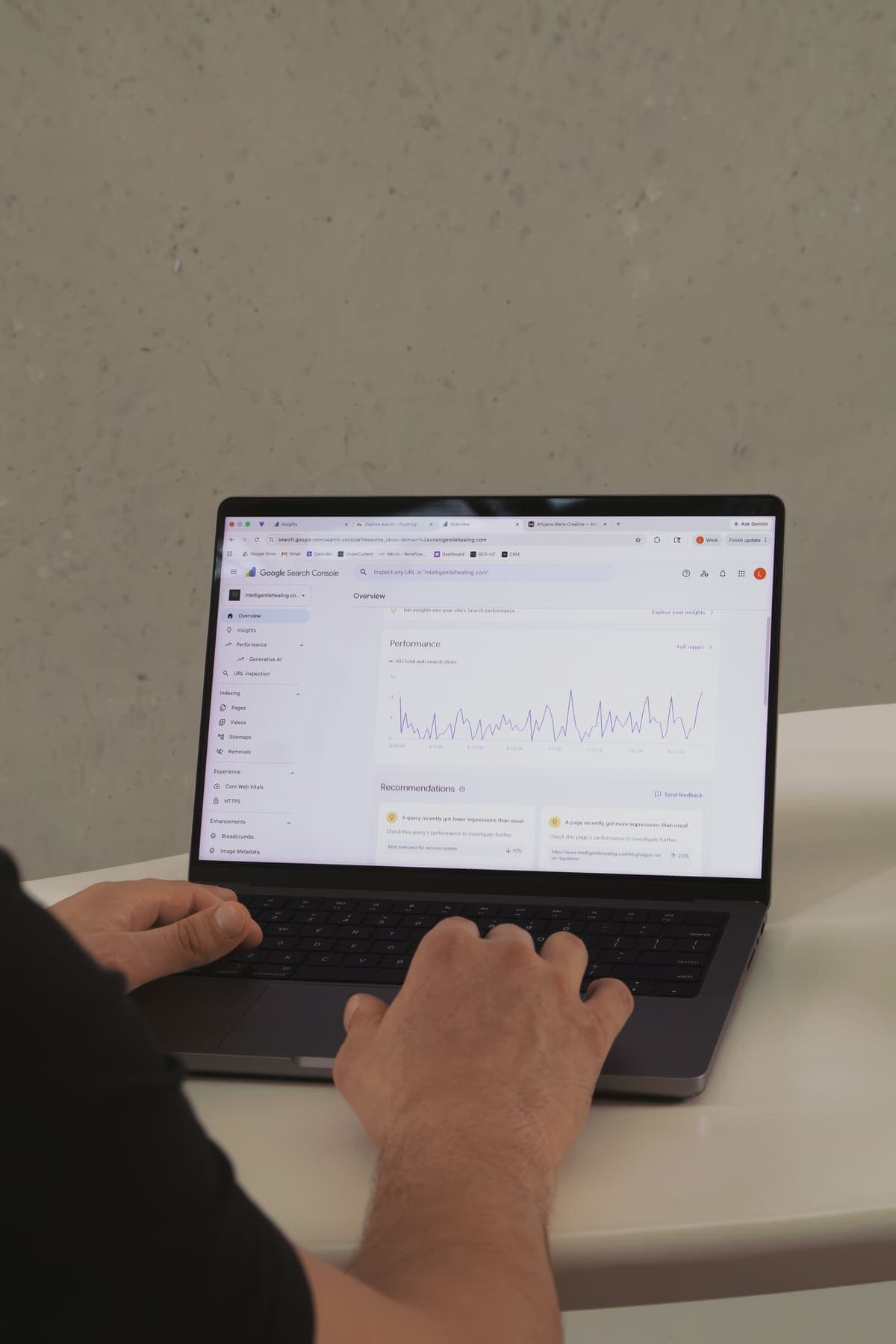

Your bank balance says what came in last week. It can't say how many quotes you won or how fast you answered new enquiries.
A KPI dashboard puts the six numbers that matter on one screen. Three of them already sit in Xero. The other three are why most owners never see the whole week at once.
What should a KPI dashboard for a service business show?
A KPI dashboard for a service business should show six numbers: spendable cash, money owed, work invoiced, job margin, quote win rate and new enquiries. KPI stands for key performance indicator, a number that tells you if the business is on track. Six is enough to run the week, and the table shows where each one lives.
| Number | Where it lives | What it tells you on Monday |
|---|---|---|
| Spendable cash | Xero bank feeds, minus tax and super owed | Can you pay this week's wages and bills? |
| Money owed | Xero invoices owed to you | Who to chase today |
| Invoiced last week | Xero sales invoices | Did the team bill what it worked? |
| Gross margin on finished jobs | Job system plus Xero costs | Which jobs made money |
| Quote win rate | Job system quote statuses | Is the pipeline healthy? |
| New enquiries and reply time | Inbox and Google Business Profile | Are leads being answered fast? |
The business.gov.au productivity guide suggests tracking measures like revenue per employee and how long a key task takes. These six apply that idea to jobs, quotes and invoices.
Can a Xero dashboard be your KPI dashboard?
A Xero dashboard covers the money side well, but it can't show your jobs or your inbox. That's three of the six numbers, not all of them.
Xero's new homepage, released in November 2025, has widgets for net profit, bank accounts, bills to pay, cash in and out, and invoices owed to you. You can show, hide and reorder them. None of them reads from a job system or an email inbox.
Use Xero for what it's good at, then add the rest. If your job system already shows quotes and margins, you might only need one extra number from the inbox. If it doesn't, that's when a custom dashboard earns its place. The custom workflows and automation we build at UnderCurrent Automations start from that question: what do you already use, and what's missing?
How do you pull Xero numbers into a business dashboard?
You pull Xero numbers into a business dashboard through the Xero API, which lets another app read your bank balances, invoices and reports. An API is a door that lets one piece of software ask another for data, with your permission.
Xero sets limits on that door: 60 calls a minute and 5,000 calls a day for each connected organisation. A Monday dashboard needs a few dozen calls, so the limits rarely matter for a small business.
Spendable cash needs a little care. It's your bank balance minus GST, wages and super you already owe. That matters more now, because Payday Super started on 1 July 2026. Super now has to reach the fund within 7 business days of each payday, not once a quarter. Your bank balance drops every pay run, so the dashboard should show it after super.
Why is money owed the number that hurts most?
Money owed is the number that hurts most, because late invoices are cash you've earned but can't spend. Xero's small business insights for the June quarter 2026 found Australian small businesses waited 22.9 days on average to be paid. Payments landed 6.0 days late on average.
Here's a worked example you can check. Say you invoice $25,000 a week. At 22.9 days to get paid, down from 24.1 days in the March quarter, about $81,800 is always sitting with your customers. Cut just the 6 late days and you free up about $21,400 in cash.
What cutting the late days frees
- Invoiced a day ($25,000 a week), about $3,571
- × Late days cut, 6
- = Cash freed, about $21,400
That's a wage bill or two, without borrowing.
The dashboard should show the total owed, the overdue part in red, and the three biggest late payers by name. That turns Monday's chase list into a two-minute job. Our guide to how overdue invoices hurt cash flow covers what to say when you chase.

How do you track job margin and quote win rate?
Job margin and quote win rate come from your job system, and they tell you if the work is worth doing. Gross margin is the price of a job minus the labour and materials it took, shown as a percentage.
Pull margin only on finished jobs, so the number is real. The ATO's small business benchmarks work the same way. They show cost of sales as a percentage of turnover, so you can compare your margin with your industry.
Quote win rate needs clean job statuses. ServiceM8, for example, sorts jobs into four statuses: Quote, Work Order, Completed and Unsuccessful. Win rate is quotes that became work orders, divided by quotes that got a yes or a no. If that rate drops for three weeks running, look at your pricing or your follow-up. We've written about why tradies lose jobs before quoting if the drop starts earlier, at the first call.
How do you count enquiries from the inbox?
You count enquiries by searching the inbox for new leads each week and timing the first reply. It lives furthest from your accounts, so it's the one owners tend to skip.
Gmail's API accepts the same search terms as the Gmail search bar, like a label and a date range. So if every enquiry lands with an "Enquiry" label, a script can count last week's leads and check how long each one waited. Google's Business Profile Performance API adds daily counts of call clicks and website clicks from your profile.
The useful figure is median reply time, the middle of all your reply times. One slow Friday shouldn't skew it. If it creeps past a few hours, a follow-up email that sends automatically buys you time while you're on the tools.
What happens when a KPI dashboard breaks quietly?
A KPI dashboard that breaks quietly is worse than none, because a blank number looks like a quiet week. If the Xero link drops, money owed shows $0. You relax, and nobody chases anything.
We run our own reporting the same way we'd build yours. UnderCurrent's weekly, monthly and quarterly SEO reports run as a scheduled workflow. Each report is written without a person touching it. When a data source fails, the workflow fails loudly instead of sending an empty report.
Dashboard health checklist
Should you build a custom dashboard or buy a tool?
Buy a dashboard tool if your numbers all live in apps it already connects to. Build a custom dashboard when one of the six lives somewhere no tool reaches. For most service businesses, the gap is the inbox or a job system with patchy connections.
A bought tool is quick to set up and usually costs a monthly fee per user. A custom dashboard costs more up front but shows exactly your six numbers, with your alerts, in a link the team opens on Monday. The hidden cost is building the picture by hand. If Monday's numbers take an hour across three tabs, that's 52 hours a year. Our piece on what manual processes cost your business helps you price yours.
If you want those six numbers on one screen by next Monday, UnderCurrent Automations builds custom dashboards for Australian service businesses around Xero, your job system and your inbox. Talk to us about your dashboard.
Frequently asked questions
What is the difference between a KPI dashboard and a report?
A KPI dashboard shows a small set of live numbers on one screen that you check often, like every Monday. A report is a longer document that explains what happened over a period, like a month or a quarter. For a small business, the dashboard tells you what to act on this week. The report explains why things moved. Most owners need the dashboard far more often than the report.
How many KPIs should a small business track?
A small business should track somewhere between five and eight KPIs on its main dashboard. Fewer than five usually misses either cash or sales. More than eight and the screen gets too busy for anyone to read each week. For a service business, six covers cash, money owed, invoicing, job margin, quotes won and new enquiries. Anything else can live in a monthly report instead.
Can I make a KPI dashboard in Excel or Google Sheets?
You can make a KPI dashboard in Excel or Google Sheets, and it's a fine place to start. The catch is that someone has to paste the numbers in each week, and that's where it breaks down. Once the copying takes more than a few minutes, connect the sheet to Xero and your job system so it fills itself. Then the sheet stays current without anyone touching it.
What does the Xero dashboard show?
The Xero dashboard is the homepage you see when you log in to Xero. It shows widgets like bank accounts, cash in and out, bills to pay and invoices owed to you. You can hide and reorder the widgets to suit you. It covers the money side of a small business well. It doesn't show data from job systems or your email inbox, so those numbers need another tool.
How often should you update a KPI dashboard?
A KPI dashboard for a small service business works best updated daily and read weekly. Daily updates keep the cash and money-owed numbers current, so nothing goes stale. A set weekly time to read it, like Monday morning, turns it into a habit. Check monthly that every feed is still connected. A dashboard that quietly stops updating can show old numbers as if they were true.